Drum bus saturation: density and glue without losing the punch
Why saturation flattens drum transients, where it goes in the chain, and five ways to thicken a drum bus while keeping the attack, with settings to start from.
By CrystalKarat9 min read
Saturation on the drum bus is the fastest way to make a kit sound expensive: thicker, louder, more like one instrument. It is also the fastest way to make it sound small, because the same curve that thickens a drum flattens its attack. This guide explains why, where the saturator belongs in the chain, and five ways to get the density without losing the punch.
Why saturation takes the punch
A drum hit is a sharp peak followed by a quieter body. Saturation squashes peaks more than the body, which is why it makes drums denser and louder for the same peak level, and also why it costs them their snap. In measurement terms it lowers the crest factor, the gap between peak and average level: a raw drum bus might sit at 15 to 20 dB, and a few decibels taken off it is the difference between glued and squashed.
On a full kit there is a second problem. The kick is the loudest thing on the bus, so on a single-band saturator it decides how hard the curve is driven for everything else. Push until the snare crackles and the kick is already rounded off, and the intermodulation between them adds mud in the low mids.
Where it goes in the chain
- Saturation before the bus compressor is the more common order. The saturator rounds the sharpest peaks, so the compressor works more smoothly and less hard.
- Compression before saturation makes the drive more consistent from hit to hit, because the level into the curve varies less. It also flattens dynamics twice, so use a slow attack on the compressor.
- A transient shaper before the saturator is the most underused trick: sharpen the attack first and the curve takes off what you added, leaving the original punch.
Five ways to keep the hits
1. Gently, on the whole bus
A tape or transformer curve at low drive, a few tenths of a percent of distortion, adds glue and weight with barely any loss of attack. Drive until you hear it, then back off a little.
2. In parallel
Drive a copy hard, then blend it under the dry kit at 10 to 30%. The dry bus carries the transients; the saturated copy fills in the body. Our parallel saturation guide covers the routing and the phase details that make it work.
3. Multiband: leave the kick’s fundamental alone
Split at around 100 to 150 Hz. Leave the band below clean or barely driven, and saturate above it, where snare body, toms and room live. The kick keeps its thump, and the kit gets denser. Our multiband saturation guide goes further.
4. Sharpen the transients before the curve
A transient shaper, or a saturator with its own transient control, raises the attack before the curve squashes it, so the two cancel out and you keep the original punch with the added density.
5. Clip on purpose
If what you want is level, clip the peaks deliberately, a decibel or two, with a soft clipper. It sounds louder and more aggressive than limiting the same amount, and leaves the bus compressor less to do. Our guide to clipping, limiting and saturation explains the difference.
Choosing the curve
| Curve | On drums |
|---|---|
| Tape | Rounder hits, thicker lows, a softened top. The glue sound |
| Transformer | Low-end weight and punch, with the top left clean |
| Valve | Warmth and body on the snare and toms |
| Soft clip | Peak control: louder, slightly harder |
| Amp and distortion | Grit and aggression; in parallel, almost always |
Starting points
| Goal | Setup |
|---|---|
| Glue | Tape on the whole bus, light drive, 100% wet, then a slow bus compressor |
| Weight | Transformer below 150 Hz at moderate drive, clean or light tape above |
| Snare crack | Split at 150 Hz and 5 kHz; valve or tape on the middle band, transients sharpened first |
| Aggression | Distortion on a parallel bus, low-cut at 150 Hz, blended 15 to 25% |
| Loudness | Soft clip the peaks by 1 to 2 dB, before the bus compressor |
Five drum bus mistakes
- Judging louder as better. Saturation adds level. Match the bypass, or you will drive it too hard every time.
- Letting the kick drive the curve. On a single-band saturator, low-cut the input or use a parallel copy.
- Saturating the room mics into a wash. Compressed and saturated rooms bring up cymbal wash a long way. Saturate them separately, and less.
- Stacking it everywhere. Saturation on every drum, then the bus, then the master, adds up. Decide where the density comes from.
- Forgetting the cymbals. Driving the top band hard makes hats and cymbals fizzy. Ease the top, or low-pass the saturated copy.
Checking it
- Bypass at matched loudness, and listen for the attack of the snare and kick.
- Look at the bus’s waveform before and after: the peaks should still stand clear of the body.
- Listen in the mix, not solo. A drum bus that sounds slightly too much on its own is often right under a full arrangement.
Plugins for the drum bus
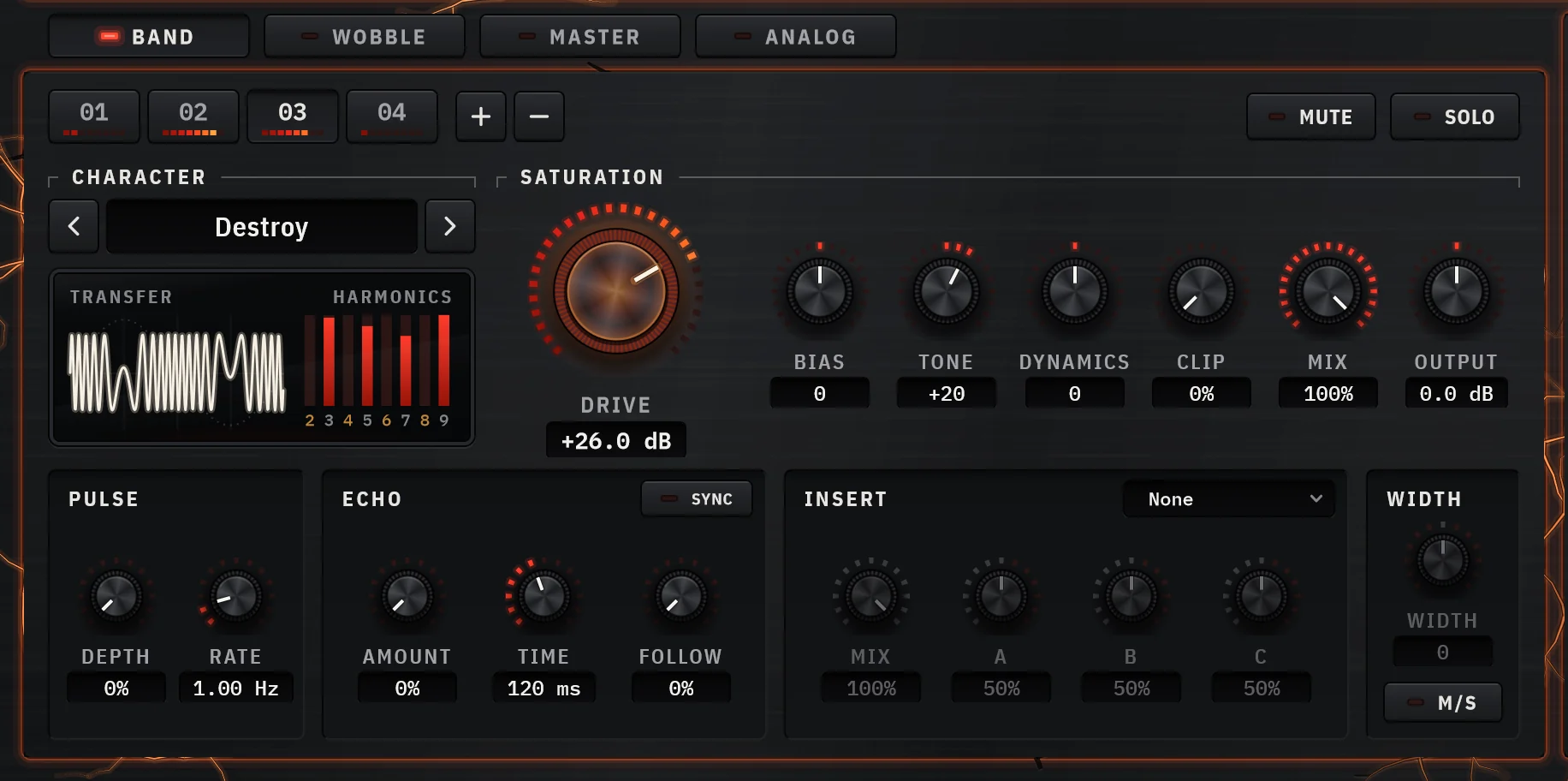
01Forgeby CrystalKarat
Multiband saturatorBest for: Drum bus saturation that sharpens the hits as it thickens them
Forge does every method in this guide inside one plugin, band by band. Its Dynamics control softens or sharpens transients by up to 15 dB before they reach the curve, so you can drive the snare’s body and still have the stick come through. Each band has its own character, drive and Mix, so the kick’s fundamental can stay clean or lightly ironed while the mids take tape or valve, and the sub passthrough keeps everything below a frequency you choose bone dry and phase-aligned.
The factory drum presets are worked examples: Tape Drum Bus prints the kit hot to tape across four gently split bands; Kit Glue adds tape with a slow compressor that lets the hits through; Mix Punch sharpens transients ahead of gentle iron; Parallel Smash crushes two distorted bands and blends them 40% under the dry kit. Analyze’s Punch target sets the crossovers and drive from four seconds of your own drums.
Why pick it
- Transient Dynamics before the curve, per band
- Per-band character and Mix: clean kick, driven snare
- A sub passthrough for the lowest frequencies
- A compressor and global Mix after the bands
Know first
- No AAX for Pro Tools yet
- More controls than a one-knob bus saturator
- Price
- $49 once, or with Studio Pass · 7-day trial, no card
- Formats
- Windows VST3 · macOS VST3 and AU
Forge is ours: CrystalKarat makes it and publishes this blog. Everything else on this list is another company's, and nobody paid to be on it.
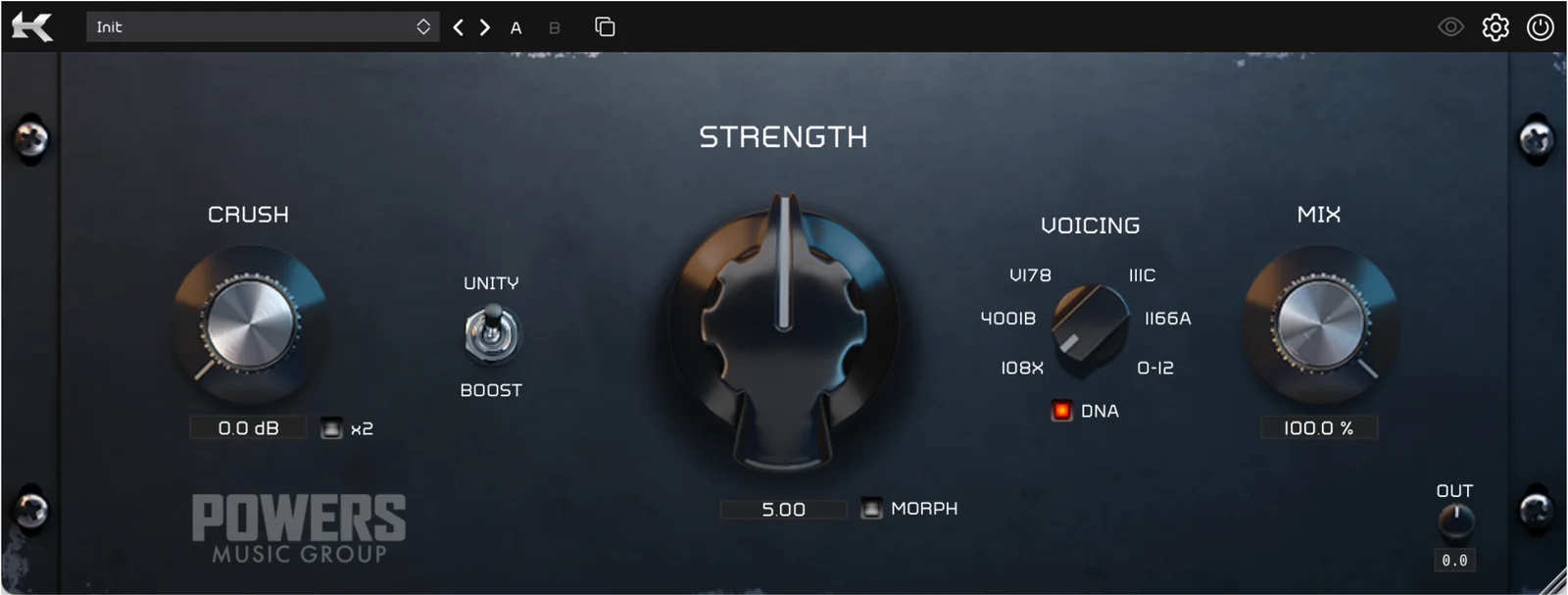
True Iron. Image: Kazrog 02True Ironby Kazrog
Transformer saturationBest for: Transformer weight that leaves the transients mostly alone
True Iron’s transformers thicken the low end and round the top very slightly, and at moderate settings they hardly touch the attack. Strength and Mix make it easy to keep subtle. It is the tool for a kit that sounds thin and clinical rather than one that needs aggression.
Why pick it
- Subtle, authentic iron
- Light on the CPU
- Budget price
Know first
- Transformer only
- Single band
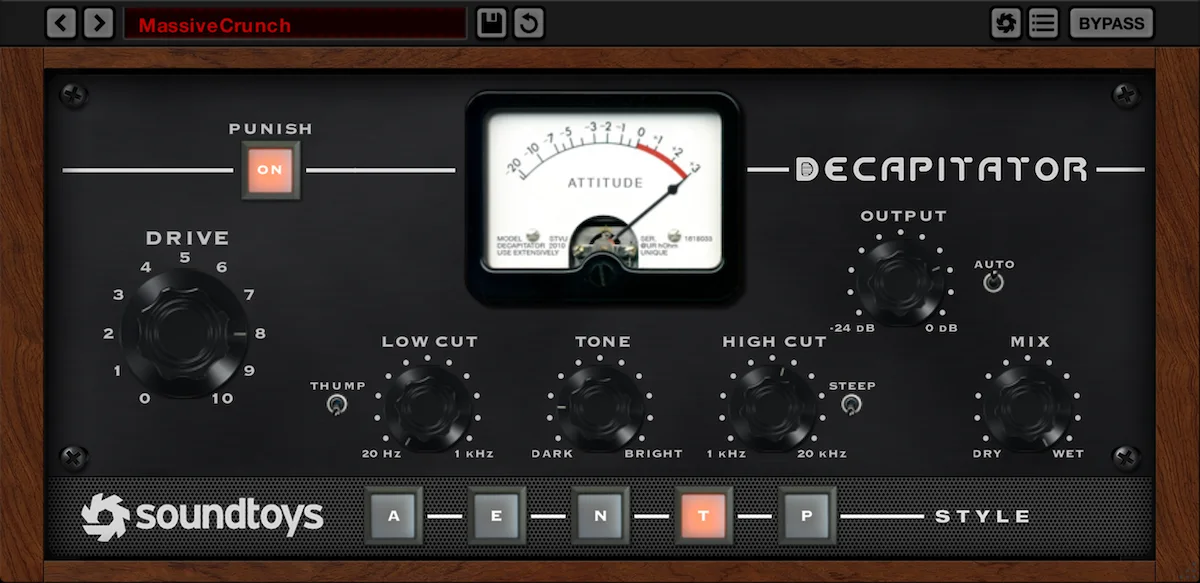
Decapitator. Image: Soundtoys 03Decapitatorby Soundtoys
Analog saturation modelerBest for: Fast attitude on a parallel drum bus
Decapitator on a parallel bus, driven hard with Punish if you like, then blended under the dry kit with its Mix knob, is a classic for a reason. Its low cut keeps the saturated copy’s low end from piling onto the kick, and its styles go from tape to fuzz in five steps.
Why pick it
- Immediate, musical results
- Mix and low cut built in
Know first
- Single band: on the main bus, the kick drives everything
- Premium list price
Premium · Regularly discounted; part of Soundtoys 5
Soundtoys's page for Decapitator (opens in a new tab)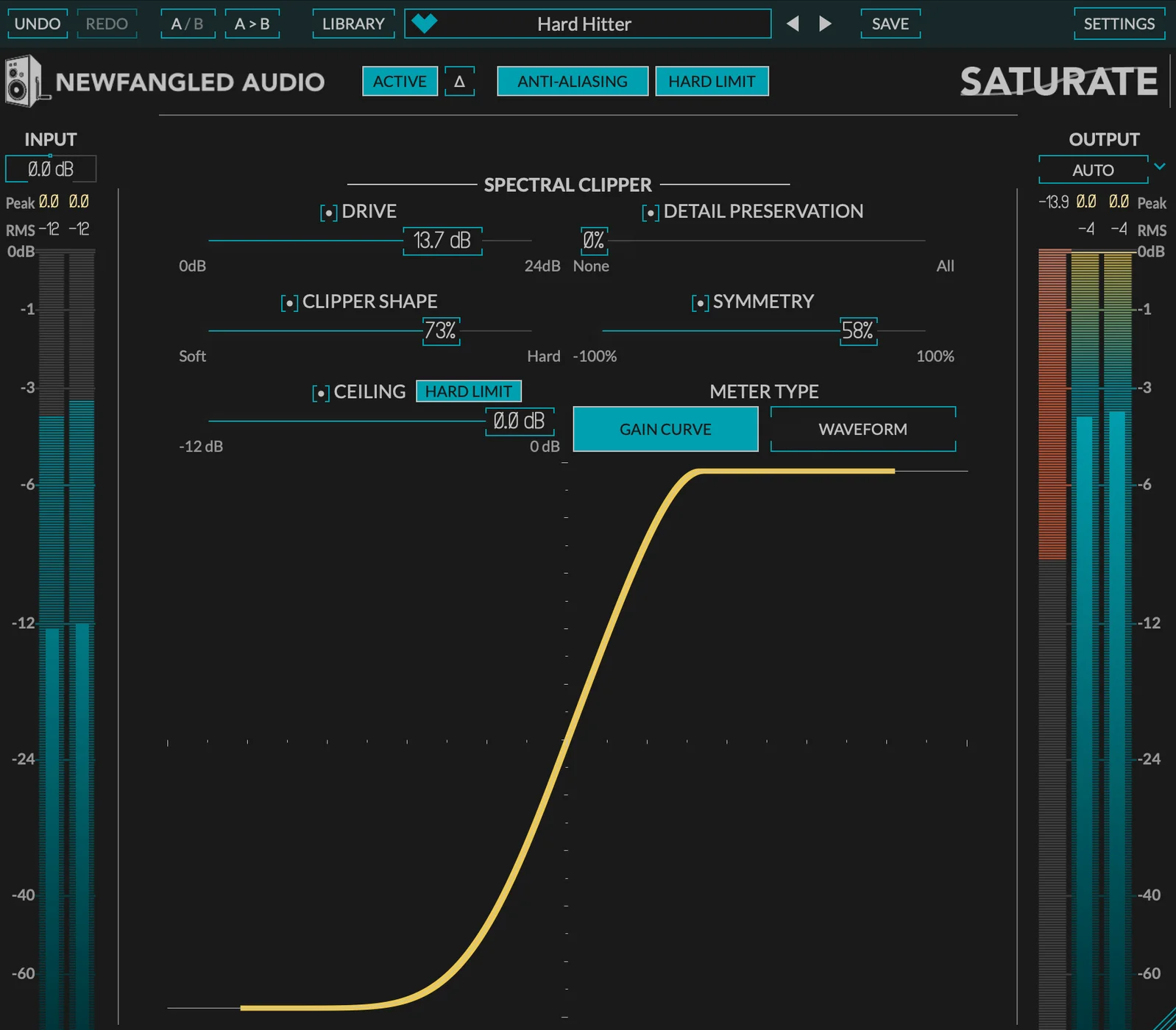
Saturate. Image: Eventide / Newfangled Audio 04Saturateby Newfangled Audio
Spectral clipper and overdriveBest for: Loudness from the drums without dulling them
When the drum bus needs to get louder more than it needs colour, a clipper is the right tool. Saturate is a spectral clipper: it takes the peaks off without changing the kit’s tonal balance, so you gain level without the hits going dull.
Why pick it
- Transparent peak control
- Budget price
Know first
- Not a warmth tool
- Clipping always costs some attack: use it on the peaks only
Questions
Should saturation go before or after compression on the drum bus?
Usually before: the saturator rounds the sharpest peaks so the compressor works more smoothly. Compression first makes the drive more even from hit to hit, at the cost of flattening the dynamics twice, so use a slow attack if you do it that way round.
Why does saturation kill my drum transients?
Saturation squashes peaks more than the quieter body of each hit, so the attack loses height relative to the rest. Use less drive, blend a saturated copy in parallel, keep the kick's fundamental out of the curve, or sharpen the transients before the saturator.
What kind of saturation is best for drums?
Tape for glue and rounder hits, transformer for low-end weight, valve for warmth on snares and toms, soft clipping for loudness, and distortion for aggression, usually in parallel.
Should I saturate the kick on the drum bus?
Lightly, or not at all. The kick is the loudest thing on the bus and drives the curve for everything else. Split it off with a multiband saturator, or high-pass the input of a parallel saturated copy, and saturate the kick on its own track if it needs it.